

Understanding how customers find and interact with your business is no longer a "nice-to-have" detail; it’s a fundamental driver of growth. For Australian local service providers, e-commerce stores, and professional services, a clear customer journey map reveals critical moments of truth. It shows where potential clients get stuck, what convinces them to convert, and why they choose you over a competitor.
But creating a useful map from scratch can feel daunting. Which software is best for a quick brainstorming session versus a detailed, data-driven diagram? How do you choose between a dedicated platform and a flexible digital whiteboard?
This guide cuts through the noise. We’ve analysed the 12 best customer journey mapping tools specifically for small to medium businesses. We’ll break down which platforms are ideal for collaborative workshops, which excel at creating polished client deliverables, and which integrate seamlessly with tools like Google Analytics and your CRM. Each review includes key features, pricing, pros, cons, and direct links, helping you choose the right tool to turn customer insights into measurable revenue. Let's find the perfect fit for your business needs.
1. Smaply
Smaply is a purpose-built platform created by service design professionals, making it one of the most structured and specialised customer journey mapping tools available. Unlike generic digital whiteboards, it provides a dedicated framework for creating, managing, and scaling journey maps, personas, and stakeholder maps. This clear structure is ideal for teams needing a central repository to align their understanding of the customer experience.
The platform stands out with its governance features, such as role-based access and single sign-on (SSO) on higher tiers, which is crucial for maintaining consistency as more team members get involved. For businesses new to the process, Smaply’s AI-assisted journey creation can accelerate the initial setup, ensuring key stages and touchpoints are not missed. The tool's design adheres closely to foundational user experience design principles, promoting clarity and focus.
Best For:
- Professional Services: Ideal for firms that need to map complex, multi-stage client interactions and standardise service delivery across the organisation.
- Growing Teams: Excellent for businesses scaling their customer experience efforts and requiring a structured, shareable repository to avoid fragmented knowledge.
Key Details:
| Feature | Details |
|---|---|
| Pricing | Tiers from €35/month (Basic) to €125/month (Pro), with Enterprise options available. Pricing is in EUR/USD; AUD conversion occurs at payment. |
| Integrations | Google Analytics, Power BI, Jira, Azure DevOps, and more. |
| Pros | Specialised for journey mapping; strong governance and role-based access; onboarding and coaching options. |
| Cons | Viewer seats are limited on lower-tier plans; no public AUD pricing can make budgeting less predictable. |
| Implementation Tip | Start by importing existing customer data via integrations to build your first persona and journey map, then use the prioritisation matrix to identify immediate improvement opportunities. |
Website: https://www.smaply.com/pricing
2. UXPressia
UXPressia is a comprehensive platform designed for creating detailed journey maps, personas, and impact maps. It excels at producing professional, presentation-ready visuals, making it one of the most effective customer journey mapping tools for teams that need to communicate insights to stakeholders. The platform offers a vast template library and powerful AI assistants that can generate initial personas and journey maps, significantly speeding up the creation process for busy teams.
The platform's strength lies in its export and sharing capabilities. With features like a dedicated presentation mode, password-protected links, and multiple export formats including vector images and PPTX files on higher tiers, UXPressia ensures that the maps you create are not just analytical tools but also powerful communication artefacts. This makes it simple to share findings across an organisation or with external clients, ensuring everyone is aligned on the customer experience strategy.
Best For:
- Marketing Agencies & Consultants: Perfect for creating polished, client-facing deliverables and presentations that clearly articulate customer experience insights.
- Product Teams: Ideal for teams needing to quickly bootstrap personas and maps to align on user needs and prioritise feature development.
Key Details:
| Feature | Details |
|---|---|
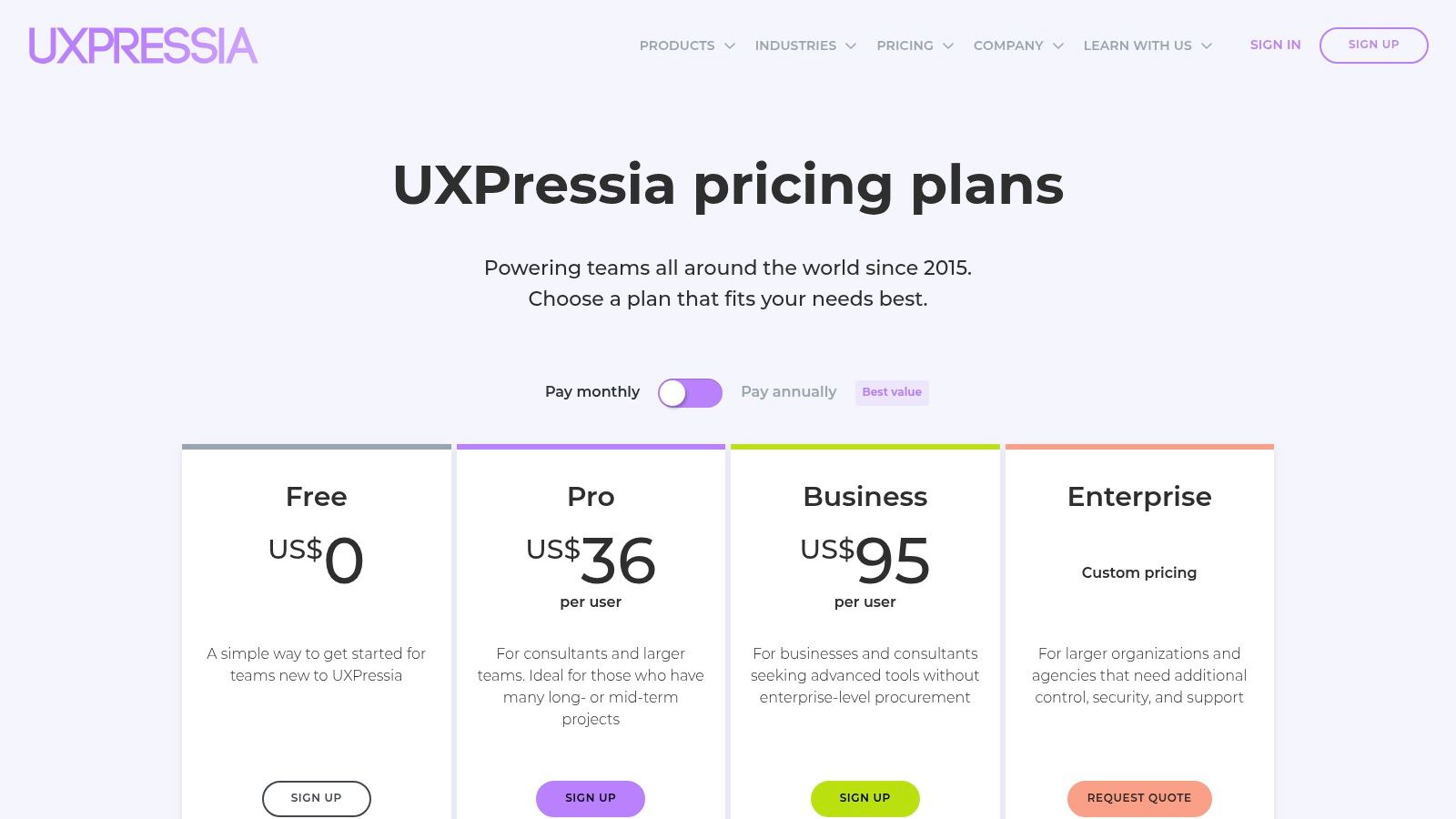
| Pricing | Offers a free-forever plan. Paid tiers range from $24 USD/month (Pro) to $64 USD/month (Business). No AUD list prices; conversion occurs at payment. |
| Integrations | Google Analytics, Mixpanel, and other analytics platforms via custom data import. |
| Pros | Fast to produce boardroom-ready artefacts; rich AI tooling to bootstrap maps and personas; good export formats. |
| Cons | Most advanced features like branding and PPTX export require Pro/Business plans; pricing is presented in USD. |
| Implementation Tip | Use the AI persona generator to create a foundational customer profile, then build out a journey map using a pre-built template. Export the map as a PDF to share with stakeholders for initial feedback. |
Website: https://uxpressia.com/pricing
3. Miro
Miro is a leading visual collaboration platform that has become ubiquitous in many Australian teams for its flexibility. While not a dedicated journey mapping tool like others, its infinite canvas and extensive template library, including community-contributed options in the Miroverse, make it a powerful choice for creating highly customised customer journey mapping tools. It excels in facilitating live, distributed workshops, allowing marketing, sales, and delivery teams to align in real-time.
The platform's strength lies in its collaborative features like real-time cursors, comments, timers, and voting, which are perfect for brainstorming and synthesising research. On paid tiers, AI-powered tools can quickly cluster sticky notes and summarise insights, accelerating the analysis phase. This flexibility allows teams to move seamlessly from initial research synthesis to a polished journey map, all within one board. It's an excellent tool for turning customer insights into actionable steps that can improve conversion rate optimisation in marketing.
Best For:
- Collaborative Workshops: Ideal for teams that need to run interactive, real-time mapping sessions with stakeholders from different departments or locations.
- Agile Teams: A great fit for businesses that already use Miro for other activities like sprint planning, retrospectives, and research synthesis.
Key Details:
| Feature | Details |
|---|---|
| Pricing | A free plan is available for individuals or small teams. Paid plans start from $8 USD/member/month (Starter) and $16 USD/member/month (Business). |
| Integrations | Extensive integrations with Slack, Jira, Microsoft Teams, Asana, Zoom, and more. |
| Pros | Highly flexible and customisable; strong real-time collaboration features; free plan is great for getting started. |
| Cons | Lacks the structured governance of dedicated tools; standardisation depends entirely on internal team discipline. |
| Implementation Tip | Use the built-in timer and voting tools during your initial workshop to keep the session focused and democratise decision-making when prioritising pain points. |
Website: https://miro.com/templates/journey-map/
4. Lucidchart (Lucid Visual Collaboration Suite)
Lucidchart is a powerful diagramming and visual collaboration suite that, while not a specialised journey mapping tool, offers extensive flexibility for creating custom visualisations. Its strength lies in its ability to handle complex process flows and data linking, making it one of the most versatile customer journey mapping tools for businesses already using it for flowcharts or organisational charts. The suite combines structured diagramming in Lucidchart with flexible whiteboarding in Lucidspark, catering to both formal and creative mapping sessions.
The platform’s Visio import/export feature is a major benefit for teams migrating from legacy Microsoft tools, ensuring a smooth transition. For data-driven teams, the ability to link map elements to live data provides a dynamic view of the customer experience. This allows a map to evolve beyond a static document, reflecting real-time performance metrics which can better inform your website's navigation design and other digital touchpoints. Enterprise-grade governance controls also make it a scalable option for larger organisations.
Best For:
- Technical Teams: Ideal for businesses that need to integrate journey maps with technical process diagrams, data flows, and system architecture.
- Cost-Conscious Individuals: A great starting point for individuals or small teams needing a powerful diagramming tool without the cost of a niche platform.
Key Details:
| Feature | Details |
|---|---|
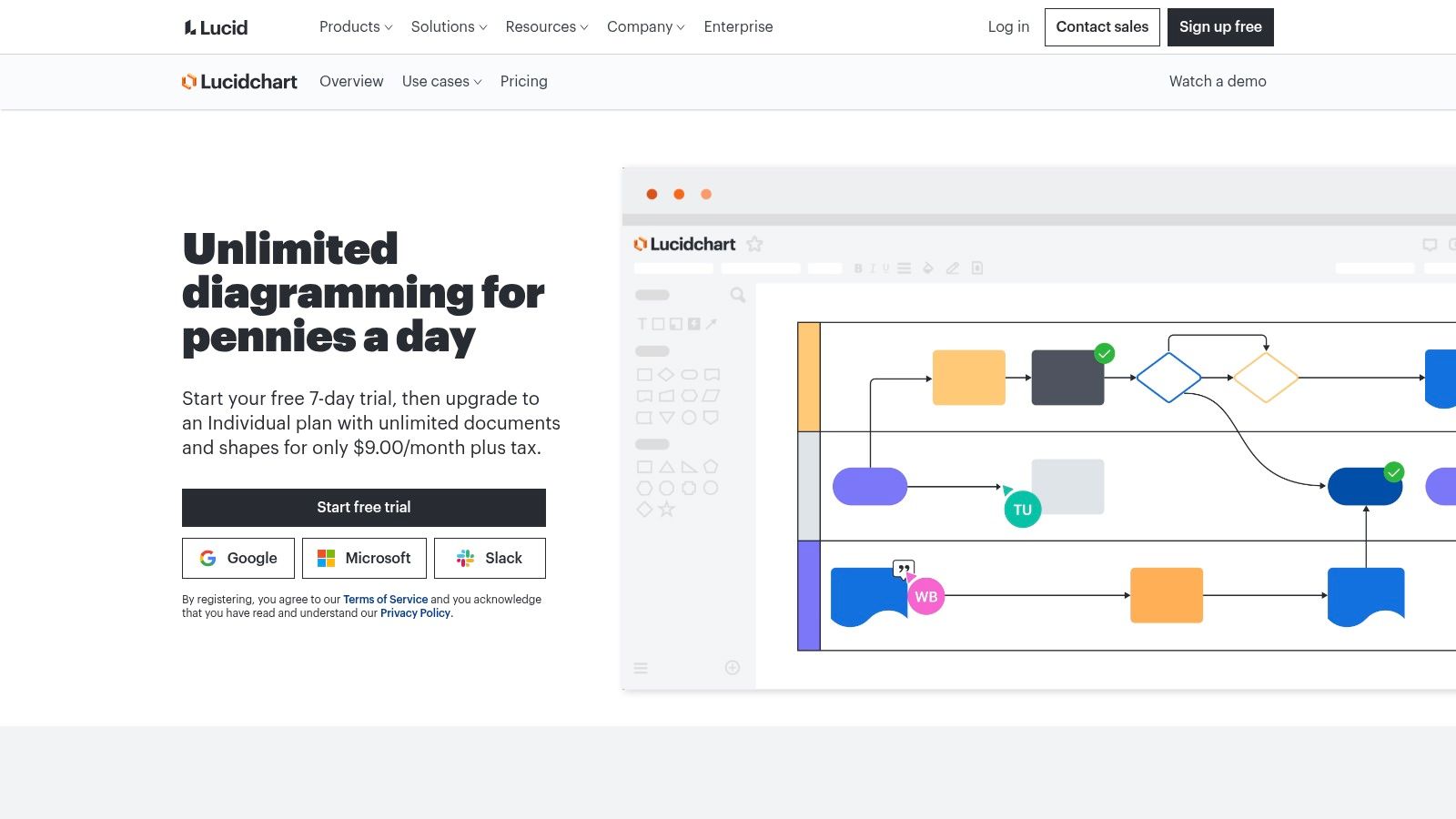
| Pricing | Free plan available. Paid individual plans start from $13 AUD/month. Team and Enterprise plans require contact for pricing. |
| Integrations | Extensive integrations with Google Workspace, Microsoft Office, Atlassian, Slack, Salesforce, and more. |
| Pros | Combines whiteboarding and structured diagramming; strong enterprise controls at scale; low-cost entry for individuals. |
| Cons | Templates are less specialised than dedicated CJM tools; public AU-specific pricing pages are sparse for team plans. |
| Implementation Tip | Use the Visio import feature to migrate existing process maps, then leverage the data linking capability to connect journey stages to live operational metrics from a spreadsheet or CRM. |
Website: https://www.lucidchart.com/pages/trial
5. FigJam (Figma)
FigJam is Figma’s online whiteboard, transforming collaborative brainstorming into a core part of the design process. While not a dedicated customer journey mapping tool, its strength lies in its seamless integration with the Figma design ecosystem. This allows teams to move fluidly from initial ideation workshops and journey mapping sessions directly into creating high-fidelity prototypes, keeping all assets within one unified platform. It's a pragmatic choice for teams already invested in Figma.
The platform’s intuitive interface, featuring templates, sticky notes, and workshop timers, makes it highly accessible for real-time collaboration. Its extensive plugin and template library further extends its functionality, enabling teams to customise their mapping activities. For design-centric businesses, the ability to link journey map elements directly to Figma design files creates a powerful, context-rich workflow that connects customer insights to tangible UI/UX implementation.
Best For:
- Design-Led Businesses: Perfect for organisations where journey maps directly inform UI/UX design and prototyping, streamlining the handoff from research to production.
- Agile Teams: Excellent for teams needing a flexible, multi-purpose tool for workshops, brainstorming, and journey mapping that integrates with their existing design stack.
Key Details:
| Feature | Details |
|---|---|
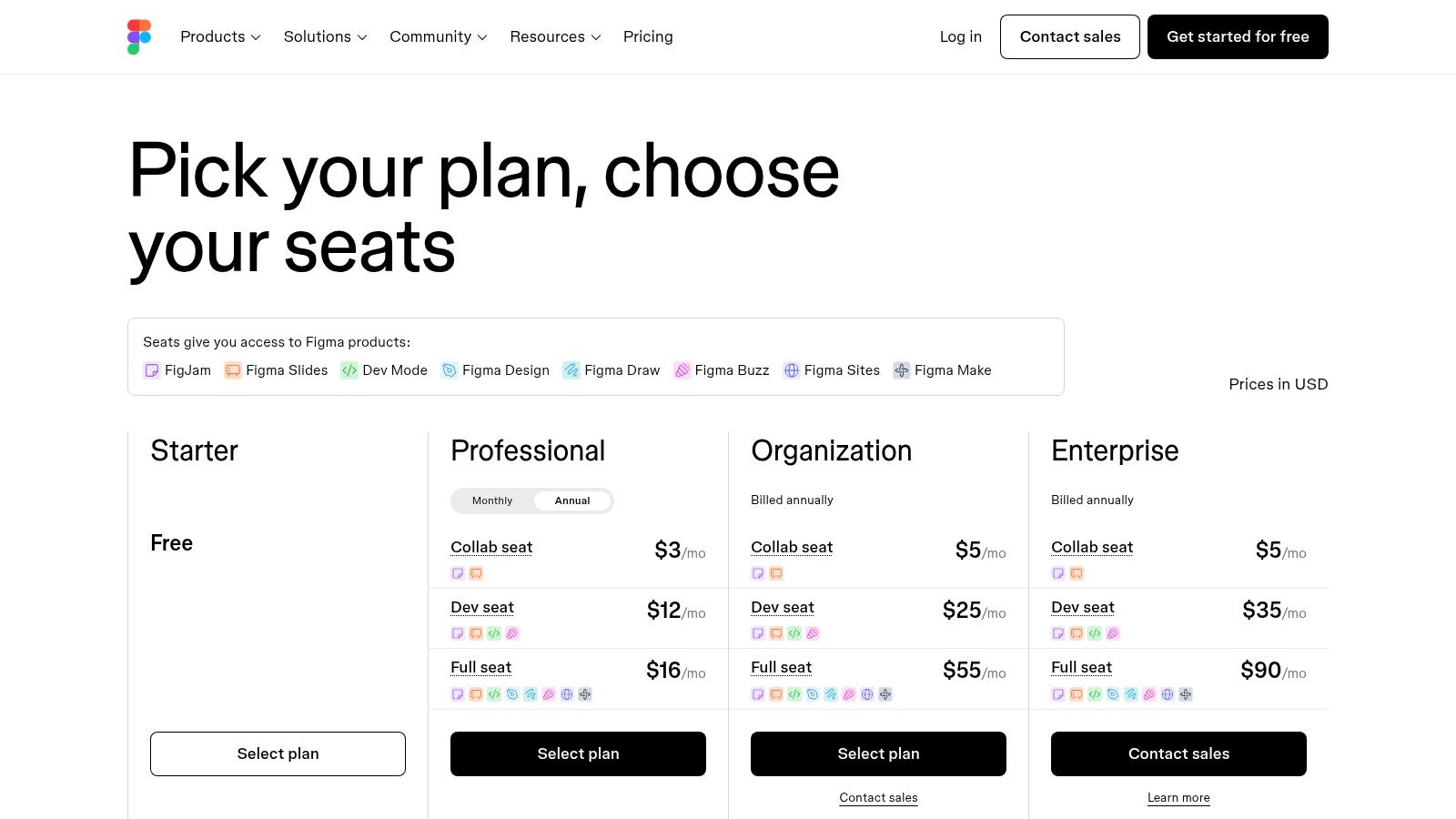
| Pricing | Free plan available. Paid tiers from $5 AUD/editor/month (Professional) to $7 AUD/editor/month (Organisation). Enterprise options available. |
| Integrations | Deep integration with Figma; also supports Jira, Asana, Microsoft Teams, and more via its plugin ecosystem. |
| Pros | Smooth workflow if your team already uses Figma; cost-efficient bundles for design and collaboration needs. |
| Cons | Less specialised CJM structure than dedicated tools; recent pricing changes may affect future budgeting. |
| Implementation Tip | Use FigJam for your initial collaborative workshop to build a low-fidelity journey map, then copy-paste key elements directly into a Figma design file to use as a brief for prototyping. |
Website: https://www.figma.com/pricing/
6. Mural
Mural is an enterprise-grade visual collaboration platform that excels at facilitating remote workshops and customer experience discovery sessions. While it functions as a digital whiteboard, it includes a robust library of built-in journey mapping templates and facilitation tools. This makes it one of the best customer journey mapping tools for teams that prioritise collaborative brainstorming and live, interactive mapping sessions over a rigid, data-repository approach.
The platform’s strength lies in its features designed for group work, such as Mural AI, which can summarise and cluster sticky notes from a workshop to quickly identify key themes. Higher-tier plans like Business offer generous guest collaboration, allowing external stakeholders or clients to participate without needing a full licence. This flexibility is perfect for agencies or consultants running discovery workshops with multiple clients, ensuring everyone can contribute in a shared, organised space.
Best For:
- Remote Teams: Ideal for distributed teams needing a collaborative space to co-create journey maps and align on customer insights in real-time.
- Consultants & Agencies: Excellent for facilitating client workshops and discovery sessions, with strong guest access and interactive tools.
Key Details:
| Feature | Details |
|---|---|
| Pricing | Offers a free-forever plan. Paid tiers start from $12 USD/member/month (Team+) to $20 USD/member/month (Business), with Enterprise options. Pricing is shown in USD. |
| Integrations | Jira, Azure DevOps, Asana, Microsoft Teams, Slack, and more. |
| Pros | Strong enterprise collaboration controls and facilitation features; generous guest access on the Business plan; great for live, interactive workshops. |
| Cons | A whiteboard-first approach means journey map governance is manual and less structured than dedicated tools; pricing is in USD with no specific AU list page. |
| Implementation Tip | Use the built-in LUMA Institute frameworks and templates to structure your initial discovery workshop. After the session, use Mural AI's "cluster" function on virtual sticky notes to rapidly group customer pain points and ideas. |
Website: https://www.mural.co/pricing
7. Microsoft Visio
For organisations already embedded in the Microsoft 365 ecosystem, Microsoft Visio serves as a powerful and familiar diagramming tool that can be adapted for customer journey mapping. While not a specialised platform, its extensive library includes templates for flowcharts and customer journeys, providing a solid foundation. Its primary advantage is seamless integration with tools like Teams, SharePoint, and OneDrive, allowing for easy collaboration and file management within an existing workflow.
Visio’s strength lies in its versatility and enterprise-grade security, making it a reliable choice for businesses in regulated industries. The real-time co-authoring feature ensures that teams can collaborate on maps simultaneously, reflecting changes instantly. While it lacks the dedicated analytical features of purpose-built customer journey mapping tools, its data-linking capability (in Plan 2) allows for the creation of dynamic diagrams that can be connected to live data sources, offering a degree of automation.
Best For:
- Established Businesses: Companies heavily invested in Microsoft 365 that prefer to use integrated tools for security, procurement, and training simplicity.
- IT-Centric Teams: Ideal for teams that require robust diagramming capabilities for various business processes, including journey mapping, and value deep M365 integration.
Key Details:
| Feature | Details |
|---|---|
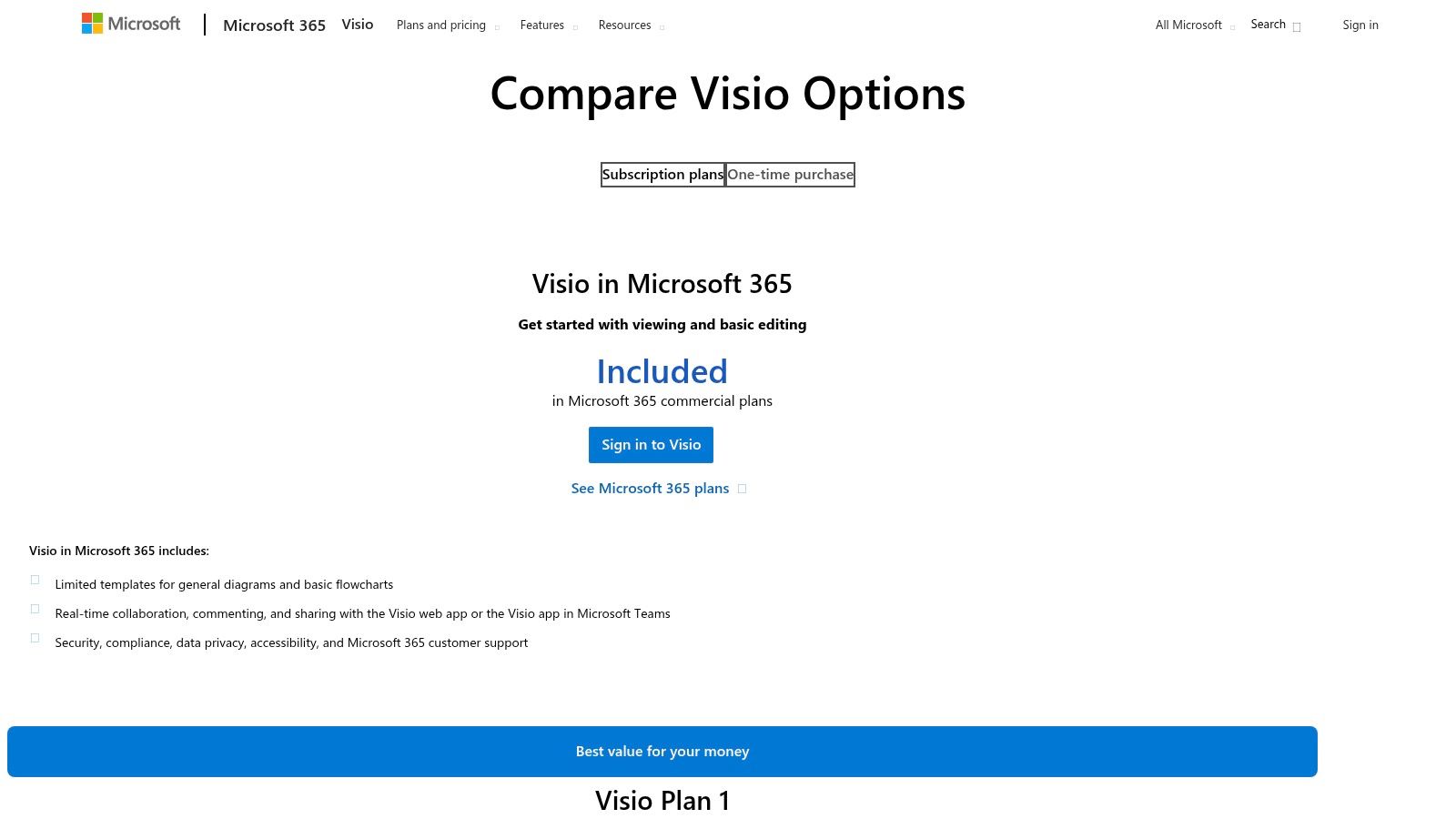
| Pricing | Plan 1 from $7.50/user/month and Plan 2 from $22.50/user/month (annual commitment). Transparent AU pricing. |
| Integrations | Deep integration with Microsoft 365 (Teams, OneDrive, Excel, etc.), Power BI, and other Microsoft services. |
| Pros | Predictable AU pricing and easy procurement; strong security and compliance; familiar interface for M365 users. |
| Cons | Lacks the specific structure of dedicated journey mapping tools; advanced features require the more expensive Plan 2. |
| Implementation Tip | Use a pre-built customer journey map template to start. Connect your map to an Excel spreadsheet in OneDrive to dynamically update touchpoint data without manual edits. |
8. Creately
Creately is a visual collaboration platform that blends the flexibility of a digital whiteboard with the structure of a dedicated diagramming tool. While not exclusively for journey mapping, its extensive library of templates and connected canvases makes it a strong contender for SMBs who need a versatile, all-in-one solution for visualising workflows. It’s an excellent choice for teams that want to create customer journey mapping tools alongside flowcharts, mind maps, and other business diagrams in one unified workspace.
The platform's AI-powered diagramming on paid plans helps accelerate the creation process by suggesting shapes and connectors, making it easier for non-designers to build professional-looking maps. Its generous free tier allows teams to trial the core functionality thoroughly before committing, which is a significant advantage for businesses watching their budget. Collaborator and folder-level role controls also provide the necessary governance for growing teams.
Best For:
- Small to Medium Businesses (SMBs): Ideal for companies needing a single, cost-effective tool for various diagramming needs, including journey maps, without the cost of a specialised platform.
- Cross-Functional Teams: Great for marketing, product, and operations teams who need to collaborate on visual workflows and centralise their diagrams.
Key Details:
| Feature | Details |
|---|---|
| Pricing | Offers a Free plan. Paid tiers start from $8 USD/user/month (Personal) to $15 USD/user/month (Business), with Enterprise options available. Pricing is in USD; AUD conversion occurs at payment. |
| Integrations | Google Workspace, Microsoft Teams, Slack, Confluence, Jira, and more via Zapier. |
| Pros | Competitive pricing with a very functional free tier; combines whiteboarding and structured diagramming effectively; AI features speed up map creation. |
| Cons | Fewer enterprise-level references compared to Miro or Mural; the pricing page can sometimes load partial content or vary by region, causing minor confusion. |
| Implementation Tip | Start with a pre-built customer journey map template from their library. Customise the swimlanes to match your business stages and use the "connected canvas" feature to link your journey map directly to other process flow diagrams. |
Website: https://creately.com/plans/
9. FlowMapp
FlowMapp is a user experience (UX) suite that bundles several key planning tools, making it one of the more versatile customer journey mapping tools for web-centric projects. It combines sitemaps, user flows, personas, and simplified journey maps into a single platform. This integrated approach is particularly useful for web design agencies and freelancers who need to visualise a user's path through a website, from initial landing to final conversion, alongside the site’s information architecture.
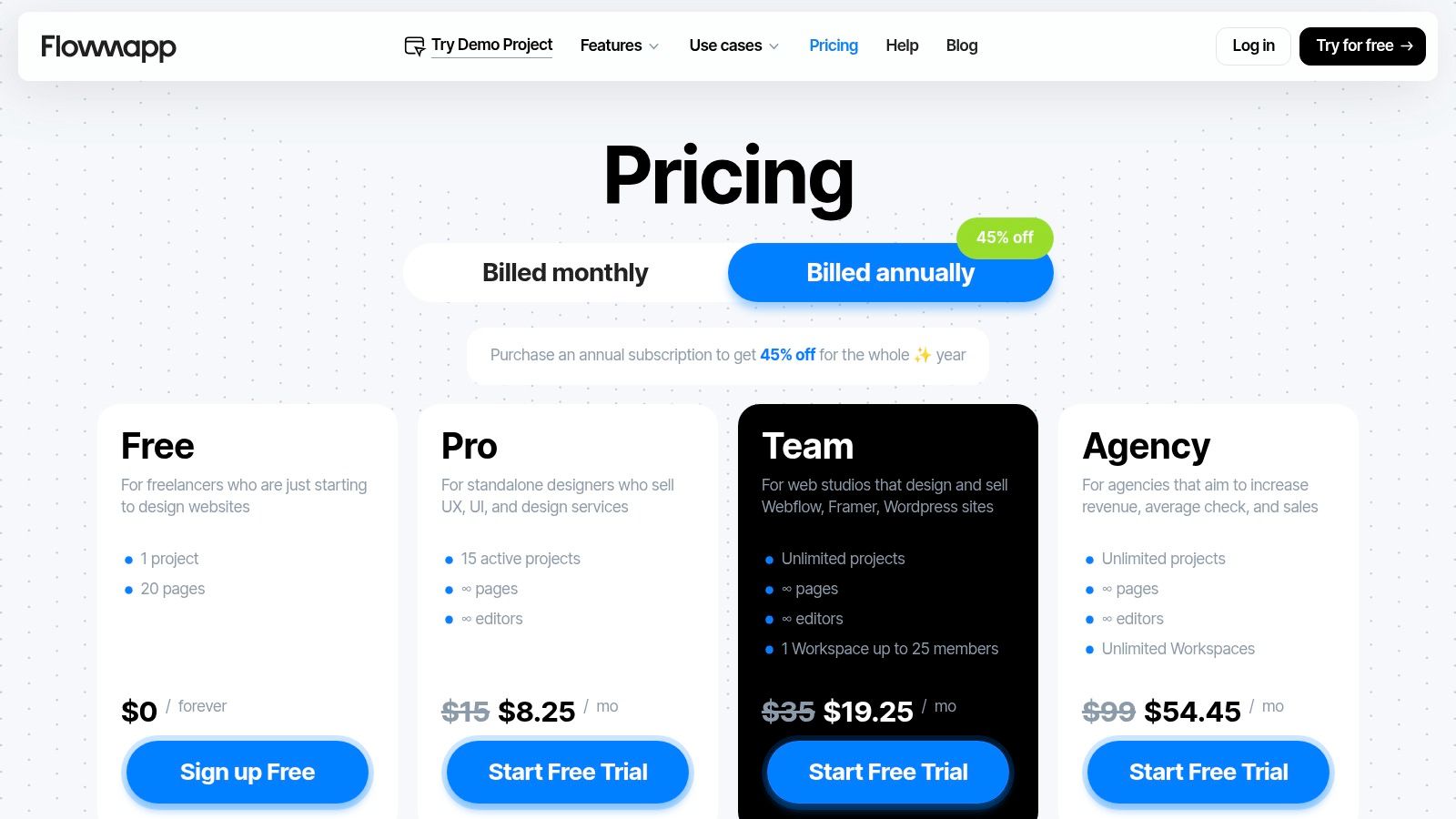
Unlike specialised journey mapping software, FlowMapp excels at linking the customer journey directly to website structure and flow diagrams. Its agency-focused workspaces and the inclusion of unlimited editors on higher-tier plans make collaboration straightforward for design and development teams. For organisations whose primary customer interaction is through their website, FlowMapp provides an affordable and practical way to map and optimise digital funnels without the complexity of enterprise-level tools.
Best For:
- Web Design Agencies: Perfect for teams that need to deliver sitemaps, user flows, and lightweight journey maps as part of a website project deliverable.
- E-commerce Businesses: Ideal for mapping out online shopping funnels, checkout processes, and landing page flows to identify and fix conversion blockers.
Key Details:
| Feature | Details |
|---|---|
| Pricing | Plans range from $21/month (Pro) to $199/month (Agency), with a free plan available. All prices are in USD. |
| Integrations | Figma, Sketch, and Slack. Limited native data integrations compared to competitors. |
| Pros | Budget-friendly for small teams; combines IA, user flow, and journey mapping; great for website funnels. |
| Cons | Less robust repository and governance features; fewer native research and data integrations. |
| Implementation Tip | Use the sitemap and user flow tools first to define your website's structure, then layer on a journey map to visualise how different personas navigate that structure to achieve their goals. |
Website: https://www.flowmapp.com/pricing
10. Gliffy (for Confluence/Jira)
For teams deeply embedded in the Atlassian ecosystem, Gliffy is a practical diagramming app that integrates directly into Confluence and Jira. While not one of the purpose-built customer journey mapping tools, its strength lies in convenience. It allows you to create, edit, and embed journey maps directly alongside project specifications, retrospectives, and technical documentation, keeping all assets within a familiar environment.
This native integration is ideal for development and product teams who need to reference customer insights while working on feature tickets or sprint planning. Rather than switching contexts to a separate platform, the journey map becomes a living document within the team's primary toolchain. The tool supports various export formats and even allows imports from Visio, making it a flexible choice for organisations standardising their documentation processes within Atlassian.
Best For:
- Agile Development Teams: Excellent for teams that use Confluence and Jira as their central source of truth and need to link journey maps directly to user stories and tasks.
- IT & Operations: Useful for mapping internal user journeys or service delivery processes alongside technical runbooks and documentation.
Key Details:
| Feature | Details |
|---|---|
| Pricing | Scales with your Atlassian user count. For Confluence Cloud, it starts from $3.85/month for up to 10 users. Pricing varies for Jira and Data Center instances. |
| Integrations | Native integration with Atlassian Confluence and Jira. |
| Pros | Keeps journey maps and visuals in the same toolchain as issues and docs; simple licensing via the Atlassian Marketplace. |
| Cons | Not customer-journey-specific, requiring custom templates; pricing can become expensive as Atlassian user tiers grow. |
| Implementation Tip | Create a dedicated Confluence space for all customer experience documentation. Build a master journey map template in Gliffy and save it there, so team members can easily duplicate and adapt it for new projects. |
Website: https://www.gliffy.com/pricing
11. Capterra Australia – Customer Journey Mapping Category
Instead of a single tool, Capterra Australia’s category page serves as a comprehensive directory, allowing businesses to compare multiple customer journey mapping tools in one place. It is a practical starting point for organisations that are still defining their requirements and want to survey the market. The platform aggregates vendor information, user reviews, screenshots, and feature checklists, making it easier to create a shortlist of potential solutions.
This localised view is particularly beneficial for Australian businesses, as it helps identify tools with regional support and pricing. By using filters for features, pricing models, and deployment options, teams can quickly narrow down the vast software landscape to find options that align with their specific operational needs and budget. It essentially acts as a pre-research step before diving deep into individual product trials.
Best For:
- Initial Market Research: Excellent for businesses at the beginning of their search, wanting to understand the range of available tools and their core features.
- Comparison Shopping: Ideal for project managers and decision-makers who need to compare multiple vendors side-by-side to justify a software investment.
Key Details:
| Feature | Details |
|---|---|
| Pricing | Varies by vendor; Capterra provides indicators (e.g., Free Trial, Freemium), but direct vendor pricing should always be verified. |
| Integrations | Dependent on the individual tools listed on the platform. |
| Pros | Localised Australian view helps with regional availability; useful for quickly scanning multiple options and reading user reviews. |
| Cons | Pricing information can sometimes lag behind official vendor sites; sponsored placements may influence the order of listings. |
| Implementation Tip | Use the filter for "Features" to create a shortlist of 3-4 tools that meet your non-negotiable requirements, then visit their official websites for the most current pricing and to sign up for trials. |
Website: https://www.capterra.com.au/directory/30335/customer-journey-mapping/software
12. G2 – Customer Journey Mapping Category
While not a mapping tool itself, G2 is an indispensable software marketplace for researching and comparing customer journey mapping tools. It aggregates verified user reviews, providing real-world insights into a platform's strengths and weaknesses that marketing materials often miss. Its curated category pages, comparison grids, and 'Best of' lists offer a structured way to discover and vet potential solutions based on company size and specific needs.
G2 is particularly valuable for its ability to surface niche or emerging tools that might not appear in other roundups. The user-submitted pros and cons provide a quick, honest summary of what it's like to actually use the software. For businesses undertaking due diligence, G2's detailed product pages and side-by-side alternative comparisons help ensure you are making a well-informed decision before committing to a subscription. It organises a complex market into a more digestible format.
Best For:
- Due Diligence: Essential for teams wanting to compare features, pricing, and user sentiment across multiple platforms before making a purchase.
- Market Research: Excellent for discovering lesser-known or specialised tools that are a better fit than mainstream options.
Key Details:
| Feature | Details |
|---|---|
| Pricing | Free to use for research and reviews. |
| Integrations | N/A – It is a review and comparison platform, not a direct software tool. |
| Pros | Deep user-review content and frequent updates; handy for comparing niche and lesser-known CJM tools. |
| Cons | Some pricing shown is user-reported, always confirm on the vendor's site; categories can blend related tools with pure mapping platforms. |
| Implementation Tip | Use the filters to narrow down options by company size (SMB, Mid-Market) and then create a shortlist of 2-3 tools to trial based on top user ratings and relevant pros/cons. |
Website: https://www.g2.com/categories/customer-journey-mapping
Top 12 Customer Journey Mapping Tools Comparison
| Tool | Core features ✨ | UX / Quality ★ | Value & Price 💰 | Target audience 👥 | USP / Notes 🏆 |
|---|---|---|---|---|---|
| Smaply | ✨ Journey & persona repo; prioritisation matrix; 20+ integrations | ★★★★ Role-based governance; onboarding & coaching | 💰 Mid→Enterprise tiers; viewer limits on low plans | 👥 Service designers; scaling CX teams | 🏆 Purpose-built CJM with governance |
| UXPressia | ✨ Unlimited maps (paid); exports; AI helpers | ★★★★ Fast, boardroom-ready artefacts | 💰 Pro/Business for advanced features; USD pricing | 👥 Agencies, consultants, product teams | 🏆 Rich templates + AI bootstrapping |
| Miro | ✨ Extensive CJM templates; real-time collaboration; integrations | ★★★★ Ubiquitous; great for workshops; free plan | 💰 Freemium → paid tiers for AI & advanced tools | 👥 Distributed cross-functional teams | 🏆 Large ecosystem; scales beyond CJM |
| Lucidchart | ✨ Diagrams + whiteboard (Lucidspark); data linking; Visio import | ★★★ Combines structured diagrams & whiteboarding | 💰 Low-cost entry; enterprise contact for pricing | 👥 Enterprises needing governance & Visio | 🏆 Strong Visio compatibility & enterprise controls |
| FigJam (Figma) | ✨ Whiteboard templates, plugins; tight Figma handoff | ★★★★ Smooth for Figma users; workshop facilitation | 💰 Seat bundles; cost-efficient for Figma teams | 👥 Design teams / Figma-centric shops | 🏆 Direct link to designs & prototypes |
| Mural | ✨ Journey templates; facilitation tools; Mural AI | ★★★★ Enterprise facilitation; generous guest access | 💰 Business/Team plans with SSO; USD pricing | 👥 Remote CX teams & enterprises | 🏆 Strong facilitation + guest collaboration |
| Microsoft Visio | ✨ M365-integrated diagrams; coauthoring; data linking | ★★★ Predictable AU pricing; strong security/compliance | 💰 Transparent AU procurement; Plan-dependent | 👥 Microsoft-standard orgs; regulated industries | 🏆 M365 integration & compliance posture |
| Creately | ✨ Templates & connected canvases; AI diagrams | ★★★ Whiteboard + diagramming; generous free tier | 💰 Competitive pricing; good free trial | 👥 SMBs wanting all‑in‑one visual tool | 🏆 Cost-effective combo for SMBs |
| FlowMapp | ✨ Sitemaps, user flows, personas + simple journeys | ★★★ Lightweight; IA & funnel focus | 💰 Budget-friendly; annual discounts | 👥 Web design agencies & small teams | 🏆 Useful for website funnels & IA deliverables |
| Gliffy (Confluence/Jira) | ✨ Native Confluence/Jira diagrams; export options | ★★★ Keeps visuals with docs; simple licensing | 💰 Atlassian-tier pricing; scales with users | 👥 Atlassian-native teams | 🏆 In-tool documentation; zero-egress option |
| Capterra Australia | ✨ AU-focused directory: filters, screenshots, reviews | ★★★ Localised listings; quick vendor scan | 💰 Free to use; pricing may lag vendor sites | 👥 Buyers researching AU availability | 🏆 Quick localised marketplace comparison |
| G2 | ✨ Verified reviews, Grid reports, product pages | ★★★★ Deep user sentiment; frequent updates | 💰 Free; user-reported pricing caveats | 👥 Enterprise buyers & researchers | 🏆 Extensive reviews & category rankings |
From Map to Action: Turning Insights into ROI
Navigating the landscape of customer journey mapping tools can feel overwhelming, but as we've explored, the right choice ultimately hinges on your specific business needs. From dedicated, data-rich platforms like Smaply and UXPressia to versatile visual collaboration hubs like Miro and Lucidchart, there is a solution available for every team size and objective. The key takeaway is that the tool itself is just the starting point; its true power is unleashed when it becomes a catalyst for action.
A static map is merely a document. A dynamic map, however, integrated with real-world data from your CRM and Google Analytics, becomes a strategic compass. It guides your decisions, highlights friction points, and uncovers opportunities for growth that were previously hidden. For a local trade business in Adelaide, this might mean identifying a drop-off point in the online booking process. For an e-commerce brand, it could reveal the need for a more targeted follow-up email sequence after a cart is abandoned.
Selecting Your Ideal Tool
To finalise your decision, consider these critical factors:
- Collaboration Needs: Do you need a tool for solo analysis, or does your entire team need to contribute in real-time? Tools like Miro, Mural, and FigJam excel at collaborative brainstorming.
- Data Integration: How important is it to pull in live data? If you plan to connect your CRM or analytics platforms, prioritise tools with robust integration capabilities like UXPressia.
- Fidelity and Detail: Are you creating a high-level overview or a granular, data-backed map with multiple personas and touchpoints? Dedicated tools like Smaply are built for this level of detail.
- Budget and Scalability: Start with what you need now. Many of the reviewed tools offer free or low-cost tiers, allowing you to prove their value before committing to a larger investment.
From Mapping to Mastery
Once your map is built, the real work begins. The insights you gather must be translated into tangible improvements across the customer experience. This involves optimising touchpoints, refining marketing messages, and ensuring a seamless transition between each stage of the buyer's journey. A crucial part of this process is managing customer interactions effectively throughout their entire relationship with your business. For a deeper understanding of this, exploring a guide on mastering the customer life cycle in HubSpot can provide valuable frameworks for nurturing leads and retaining loyal customers.
Ultimately, the goal of using customer journey mapping tools is not just to understand your customers, but to serve them better. By visualising their experience, you gain the empathy and insight needed to make meaningful changes that drive satisfaction, foster loyalty, and ultimately, grow your bottom line. Choose your tool, gather your data, and turn that map into a clear, actionable plan for success.
Ready to transform your customer journey insights into a high-converting website and ROI-focused marketing strategy? At Frank Digital Agency, we specialise in turning complex customer maps into real-world results through conversion-led design and data-driven acquisition. Let us help you build the digital experiences that turn clicks into loyal customers.